The internet and intranet are closely related terms. Some individuals may get these terms confused or use them interchangeably. While there are similarities, the internet and intranet are used for very different purposes.
What Is an Internet Network?
When you visit a website or use a mobile app that requires an internet connection, you are accessing the internet.
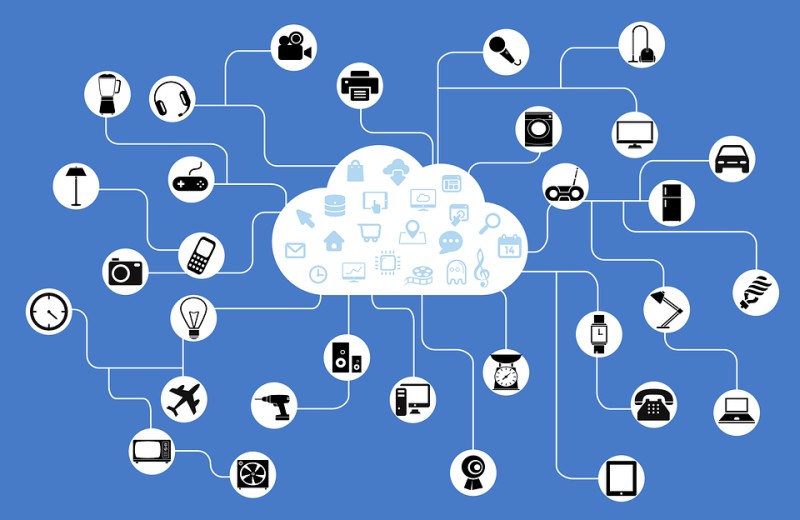
The Internet is a global public network with millions of interconnected devices. Anyone can access the internet using an internet-connected device, such as a desktop computer, laptop, mobile phone, or tablet.
There is no central server that controls the internet. It is a web of networked devices (routers, firewalls etc), computers, servers etc constantly communicating across data lines and wireless signals. It allows users across the globe to communicate.
The internet uses the TCP/IP internet protocol for communication. Each device is identified using a unique IP address. Domain name servers (DNS) are then used to assign a name to the IP address so making it easy for users to remember names instead of numbers.
For example, the URL www.google.com is a user-friendly name which is mapped by DNS servers to an IP address.
What Is an Intranet Network?
An Intranet is a private internal network, often used by organizations to provide employees with shared resources.
With an Intranet, computers are connected to an internal, private network (e.g LAN network) that is not typically accessible via the internet. Many intranets are set up locally, without any access to the global internet. Other intranets can have an internet-connected router which routes data from the intranet towards the internet.
The files are hosted on local servers that connect to the local network. Computers within the organization may connect to a network that offers access to both the internet and the intranet.
Some of the main uses of an intranet include work calendars, knowledge bases, and work-related resources or software. An effective intranet should provide employees with tools for promoting greater productivity, collaboration, and engagement.
Like the internet, the intranet uses standard internet protocols, including TCP/IP. Intranets also allow the sharing of information via a web browser. However, only approved computers can connect to the intranet and view the internal web pages.
Differences Between Internet and Intranet
While both the internet and intranet allow for information sharing, resource access etc and also use the same communication protocols (mainly TCP/IP), there are many differences, such as:
- The internet is open to the public
- An intranet is only available to a specific group
- The internet contains many intranets
- There is no central control entity for the internet
- Intranets have a central administration and control (usually the company’s IT or network department).
No one controls the internet while each intranet is created for a specific purpose. For example, a business may create an intranet to host useful information that employees need to perform their job duties.
If the business does not want to share this information with the general public, the information is shared through an intranet. Employees may access the intranet through their workstations.
Depending on the structure of the intranet, employees may also access the internal network with a username and password from an internet-connected device by connecting remotely to the company’s intranet. Usually a remote-access VPN is used for such a purpose to provide an encrypted and secure remote connection.
If you need to share sensitive information with a select group of people, an intranet is one of the safest and most convenient solutions. An intranet allows the administrator to control who has access to the information. In fact, administrators can even restrict specific content to individual groups.
If you need to share information with a large group of people across the globe, the internet is often the easiest option. You can share information through social media, create a website, or send an email.
The main difference is that the internet is an interconnected public network of computers while an intranet is a private network. Everyone can access the internet, while only approved computers or users can access an intranet.
You use the internet to read blog articles, play online games, and view social media sites. Your organization may use an intranet to share information with a specific group of users.
Related Posts
- Difference Between Routers and Switches in TCP/IP Networks
- 11 Different Types of IP Addresses Used in Computer Networks
- Compare and Contrast Network Topologies (Star, Mesh, Bus, Hybrid etc)
- 11 Networking Companies Like Cisco (Competitors)
- What is a Wildcard Mask – All About Wildcard Masks Used in Networking